A self-storage deal's income doesn't live in a rent roll of tenants — it lives in the unit mix: which unit types the facility has, how many of each, and what they rent for. In Mogul Deal Evaluator, the unit mix is the beating heart of the SS underwrite, and several numbers you might expect to type are deliberately derived from it.
In the Income stage, the Rental Income & Unit Mix card starts empty — Add unit type opens the editor: the unit type (drive-up, climate control, RV/boat, and so on), its dimensions, the unit count, and the in-place and market rents per unit. As you add rows, the card totals potential income, shows per-square-foot rent, and flags loss-to-lease — the gap between what units earn and what the market says they could.
You can also Import from spreadsheet — drop a rent roll (XLSX, CSV or PDF) and Mogul Deal Evaluator reads unit, size, status and rent, shows you every row for review, and writes the approved inventory straight into the Unit Mix. Rolls that list only rented units are fine: a lease-start date is read as occupancy, so you don't have to invent a status column. Rows that aren't storage inventory — an office or retail building on the same sheet — are flagged so you can exclude them before approving.
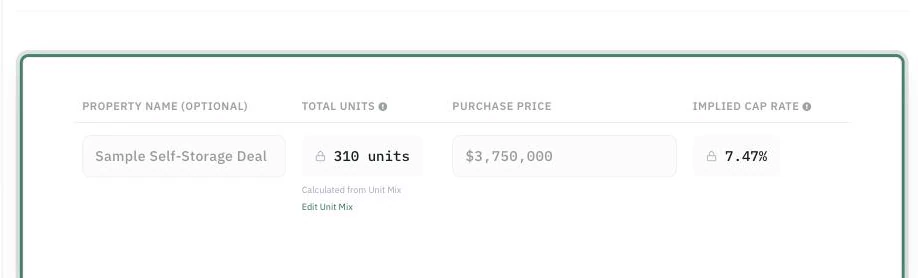
The unit mix drives rental income into the same detailed engine multifamily uses — expenses, debt, projections, exit — and surfaces storage-native readings along the way: price per net-rentable square foot, per-occupied-unit pricing, and the rent upside between in-place and market rents by unit type. The report presents the mix as its own table, so an investor sees the facility the way operators think about it.
